
Keep your Mac awake.
A tiny menu bar utility that prevents sleep on demand — with fine-grained controls your IT team can manage from any MDM.
macOS 14 Sonoma or laterFeatures
Menu bar first
Lives in your menu bar. No Dock icon, no clutter.
Flexible sleep control
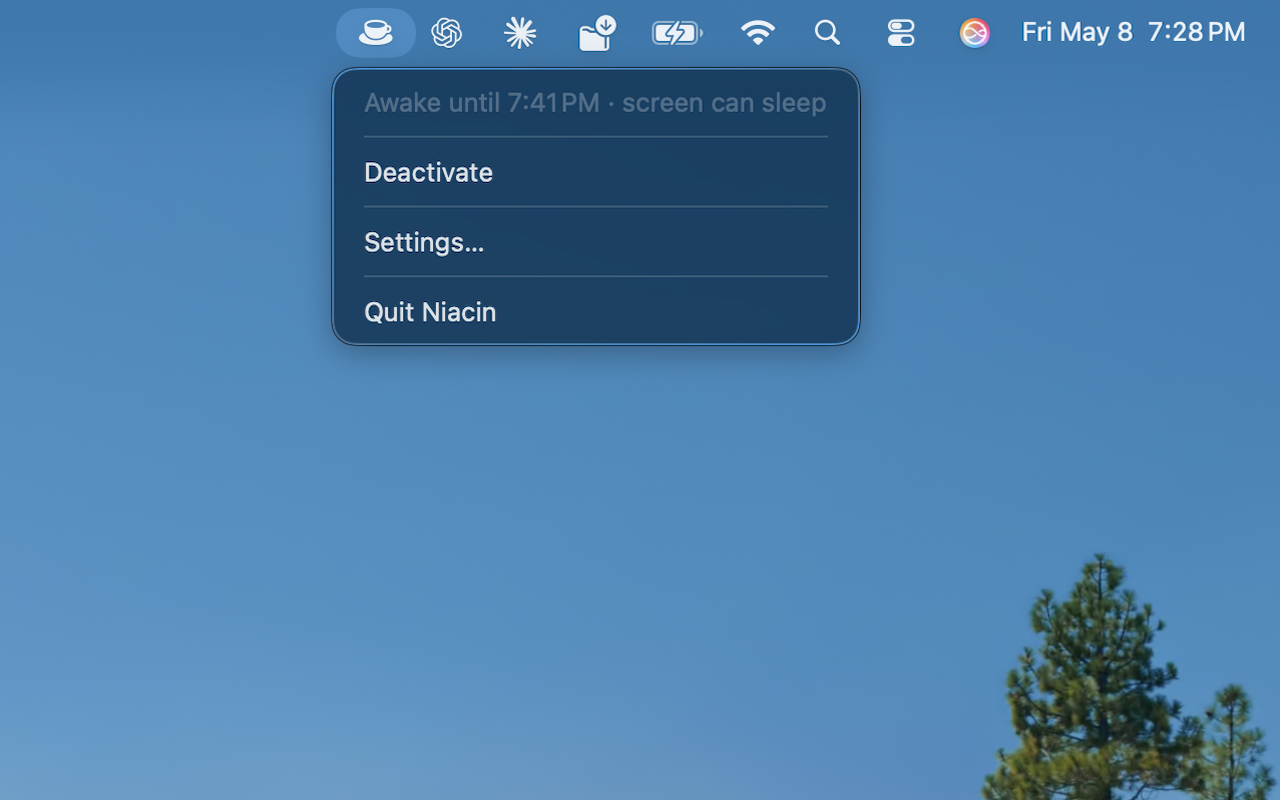
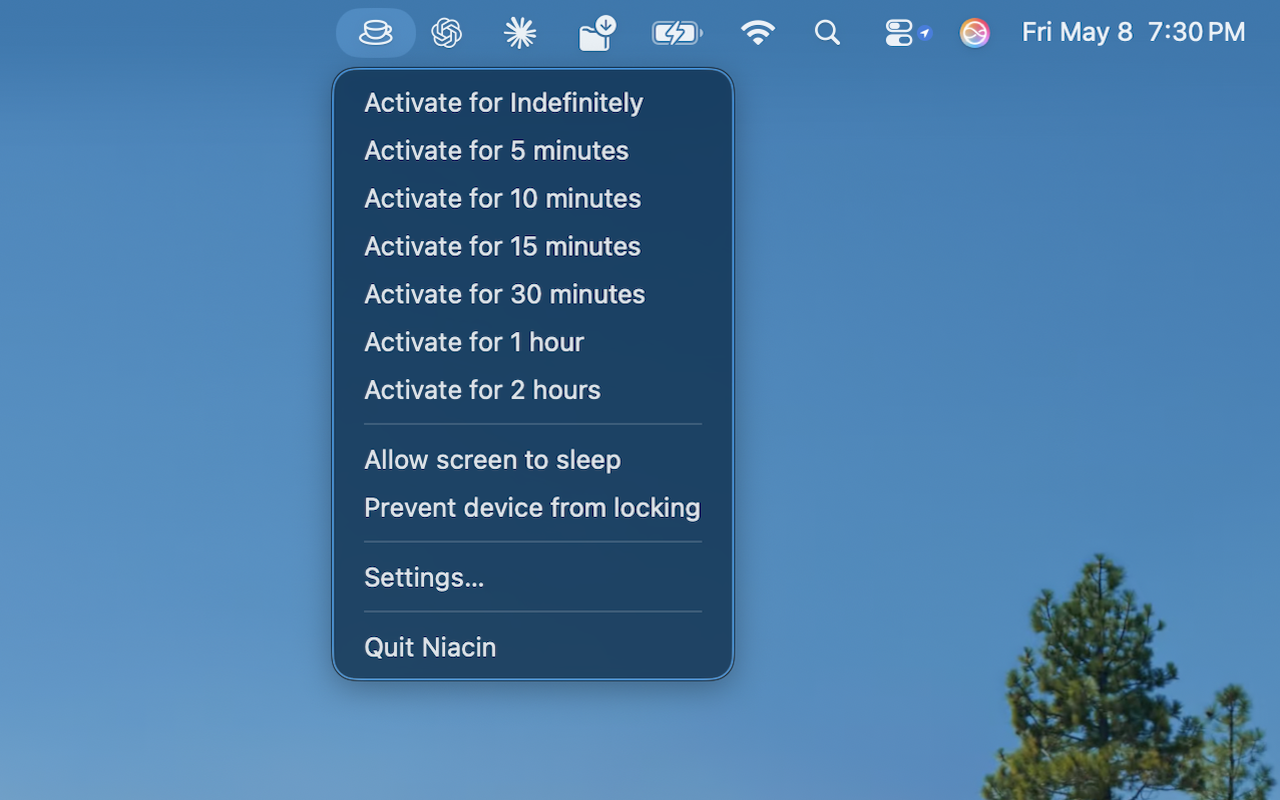
Stay fully awake, keep the system awake while the screen sleeps, or just block the lock screen.
Timed activations
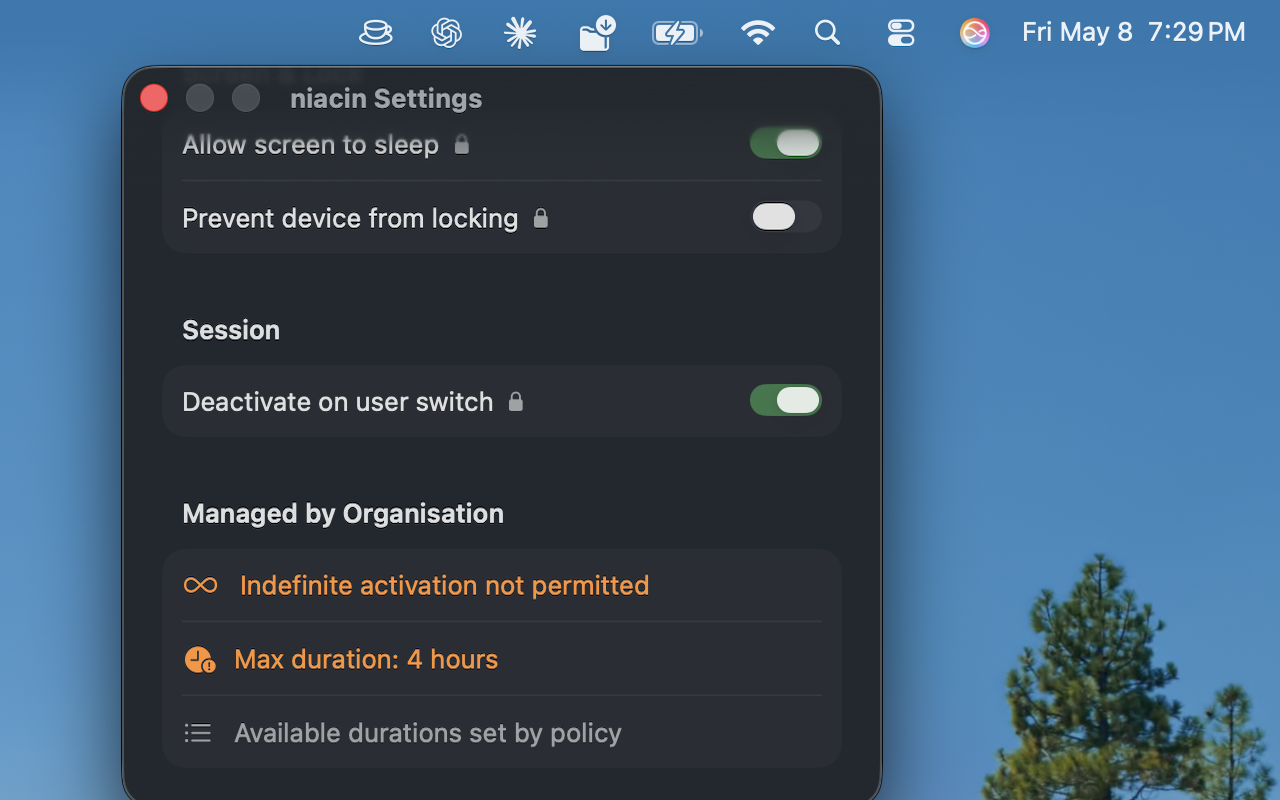
5 minutes to indefinitely — or a hard cap set by policy.
Direct to IOKit
Talks to the kernel’s power-assertion APIs directly from Swift. No subprocess, no daemons, no kernel extensions, no orphan processes if the app ever exits abruptly.
Visible failure mode
If the kernel ever refuses an assertion, the menu bar icon turns into a warning and the tooltip surfaces the underlying error code — no silent “activate did nothing.”
Signed auto-updates
Direct-download builds check an EdDSA-signed Sparkle feed and update themselves — or IT can disable the entire feature with one MDM key.
Lock indicators
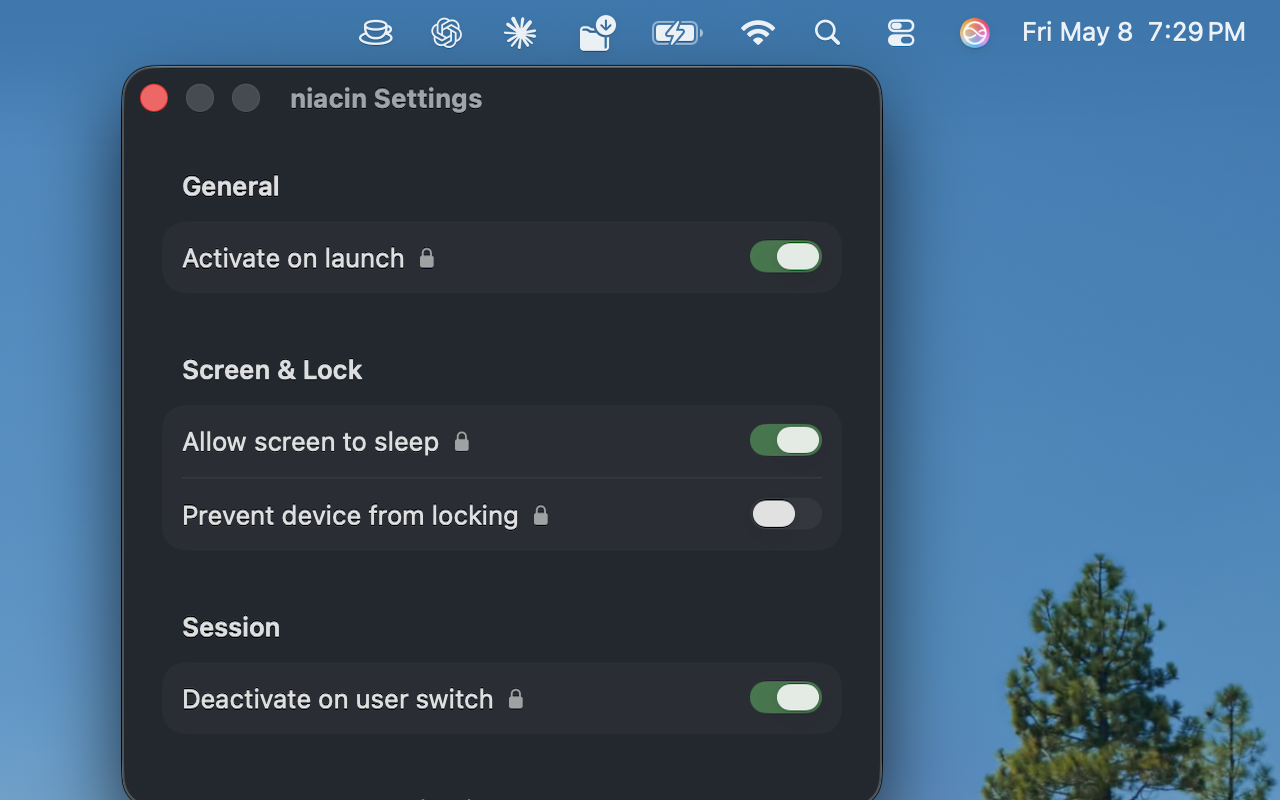
Settings under IT control show a lock icon — users can’t override them.
Managed policy section
The settings window surfaces every active IT constraint clearly.
Unified logging for IT
Structured os.Logger output across policy, managed-prefs, and engine categories — pullable from a managed Mac with log show or log collect.
Speaks your language
Menu, Settings, About, and error messages in English, French, German, Spanish, and Italian — with Japanese and Simplified Chinese on the way.
A look at niacin
Built for enterprise
Every setting can be locked and enforced by IT through a single managed preferences plist:
/Library/Managed Preferences/com.oldsalt.niacin.plist
Deploy through JAMF, Mosyle, Kandji, Intune, or any MDM that pushes preference domains. Keys present in the managed domain override the user’s preference and lock the corresponding UI control. Keys that are absent stay fully user-controlled.
Common questions
How does niacin compare to Amphetamine or KeepingYouAwake?
niacin is open source under MIT, free with no telemetry, and built for managed Mac fleets from day one. It talks to IOKit power assertions directly from Swift instead of spawning /usr/bin/caffeinate, so it keeps working in environments where EDR/XDR policies block subprocess execution. IT can lock every setting, ramp updates, or disable the whole app via a single managed-preferences plist — none of the consumer alternatives are built around that workflow.
Does niacin still use /usr/bin/caffeinate?
No. Since version 1.7, niacin calls IOPMAssertionCreateWithName directly from Swift. There is no subprocess, no orphaned power assertions if the app exits abruptly, and no dependency on /usr/bin/caffeinate being executable on locked-down endpoints. Background on that change →
Can IT teams deploy niacin via MDM?
Yes — through the managed preferences plist com.oldsalt.niacin.plist, deployable from JAMF, Mosyle, Kandji, Intune, or any MDM that pushes preference domains. Keys present in the managed domain override user preferences and lock the corresponding UI control. A single disableAutoUpdate key turns off Sparkle auto-update for managed fleets. Full MDM documentation →
How do I diagnose niacin issues on a managed Mac?
niacin emits structured os.Logger output under subsystem com.oldsalt.niacin, with categories for policy, policy-watcher, managed-prefs, and sleep-preventer. Pull it with log show --predicate ‘subsystem == "com.oldsalt.niacin"’, stream it live with log stream, or grab a full archive with log collect.
Get niacin
niacin is free and open source. Grab the latest signed, notarized release from GitHub — it’ll auto-update itself from there via the Sparkle feed.